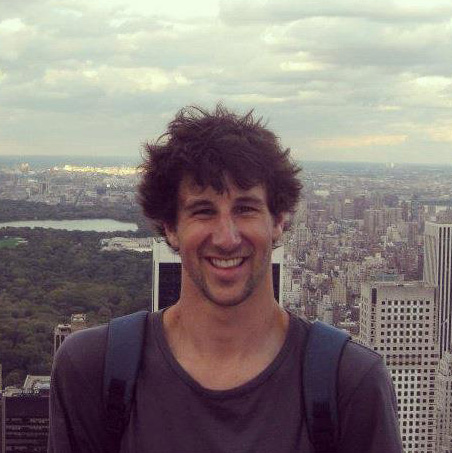
Jarrod Rathjen
I'm a video editor & director working in television in glorious Melbourne, Australia.
I have over 15 years experience working in the Seven Network sport department, predominantly working on the AFL & AFLW premiership seasons respectively. I have over 8 years experience working with Tennis Australia on the Australian Open and its lead up tournaments.
I'm a flexible video editor with an expansive knowledge base that sees me comfortable completing a wide range of tasks. I edit with a strong focus on concise and creative storytelling, combining this with flair through the use of motion graphics, purposeful music, attentive sound design and consistent colour styling.
I find the unique on-air environment of directing sporting events very engaging and challenging, but also the most rewarding.
I'm a hard working, positive and determined person. I pride myself on being passionate, helpful and loyal - traits that see me work well in team environments.
Software packages include
Very special skills include
Get In Touch
Please feel free to contact me.